Link validation
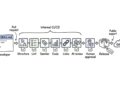
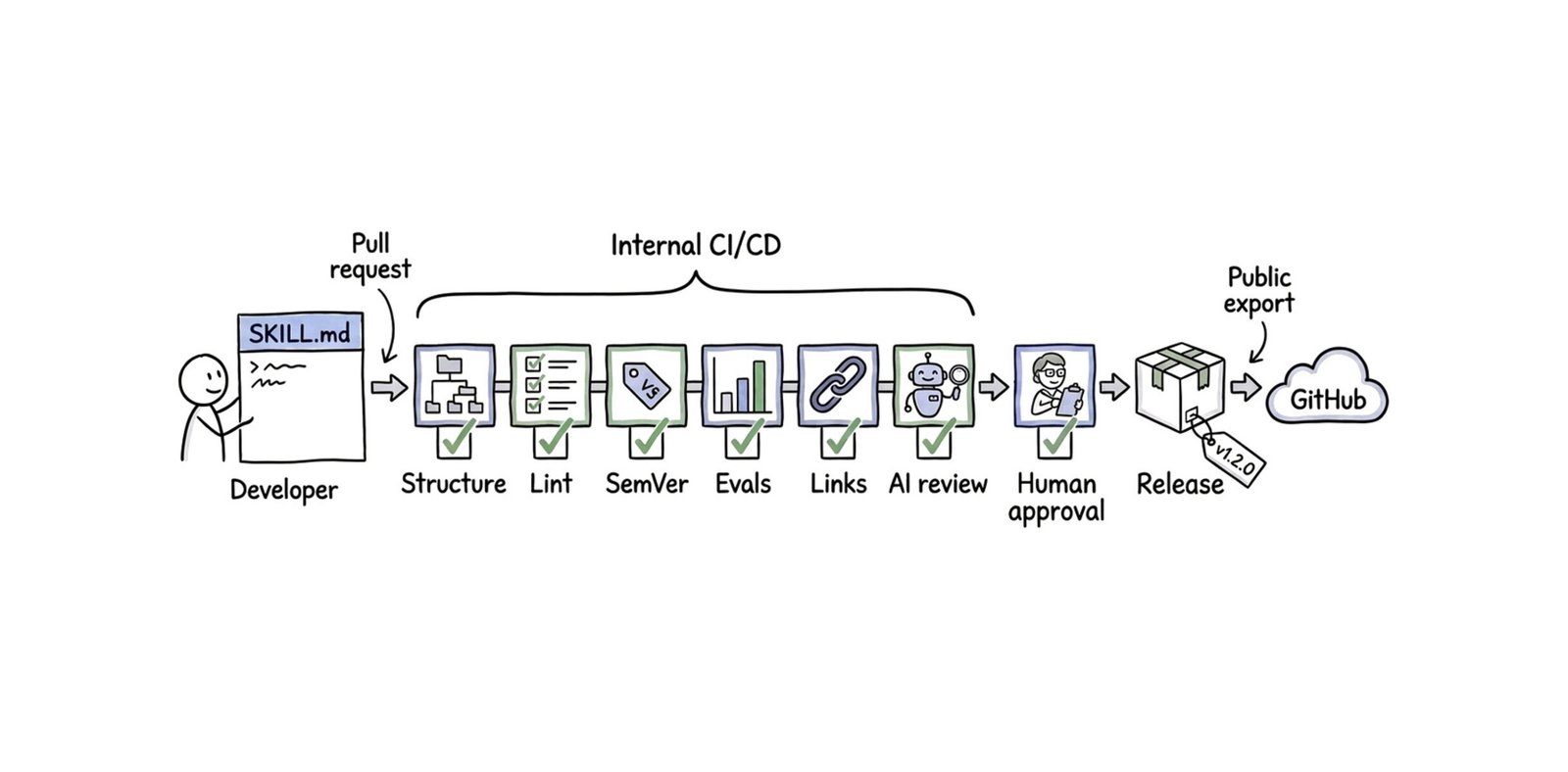
Over 170 skills link to documentation for fast-evolving Google products, and those pages can move long after a skill passes review. Rather than waiting for users to report broken links, we validate links at two stages. Before merge, pull request checks verify all relative links, such as files in references/.
Then, every Monday, a GitHub Actions workflow runs lychee across all external links in the public repository and it reports any broken links to skill owners for remediation.
AI review agent
Linters and schema validators catch syntactic errors, but they can’t evaluate overall quality. They can’t tell you if an instruction is confusing, if a reference guide is too verbose, or if a task should have been a bash script instead of a large language model (LLM) instruction.
To solve this, we integrated an AI review agent into our review pipeline. When a change affects a skill, the AI reviewer inspects it using a dedicated review skill. Yes, we use a skill to review skills.
Here are the core rules the AI reviewer evaluates. You can adopt these rules in your own skill development workflows.
1. Skill suitability and the deterministic trap
The first question our AI reviewer asks is simple: Does this task belong in an instruction?
We often see authors fall into the deterministic trap. They write rigid, numbered sequences of command-line interface (CLI) commands directly into Markdown text.
LLMs are probabilistic engines. If an operation requires a strict sequence of commands where a variation can cause an error, embedding those commands in the instruction text invites hallucinations.
Our AI reviewer enforces a clear boundary between deterministic and probabilistic logic. Rigid CLI sequences, JSON parsers, and deployment steps must live in executable scripts under scripts/. Markdown instructions are reserved for tasks that require judgment, such as choosing an architecture, diagnosing error logs, or synthesizing code.
This rule complements the Model Context Protocol (MCP) guidance that I shared last time: prefer remote MCP tools whenever possible. When you must fall back to CLI or API calls, wrap them in a script instead of spelling them out in the instructions.