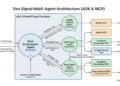
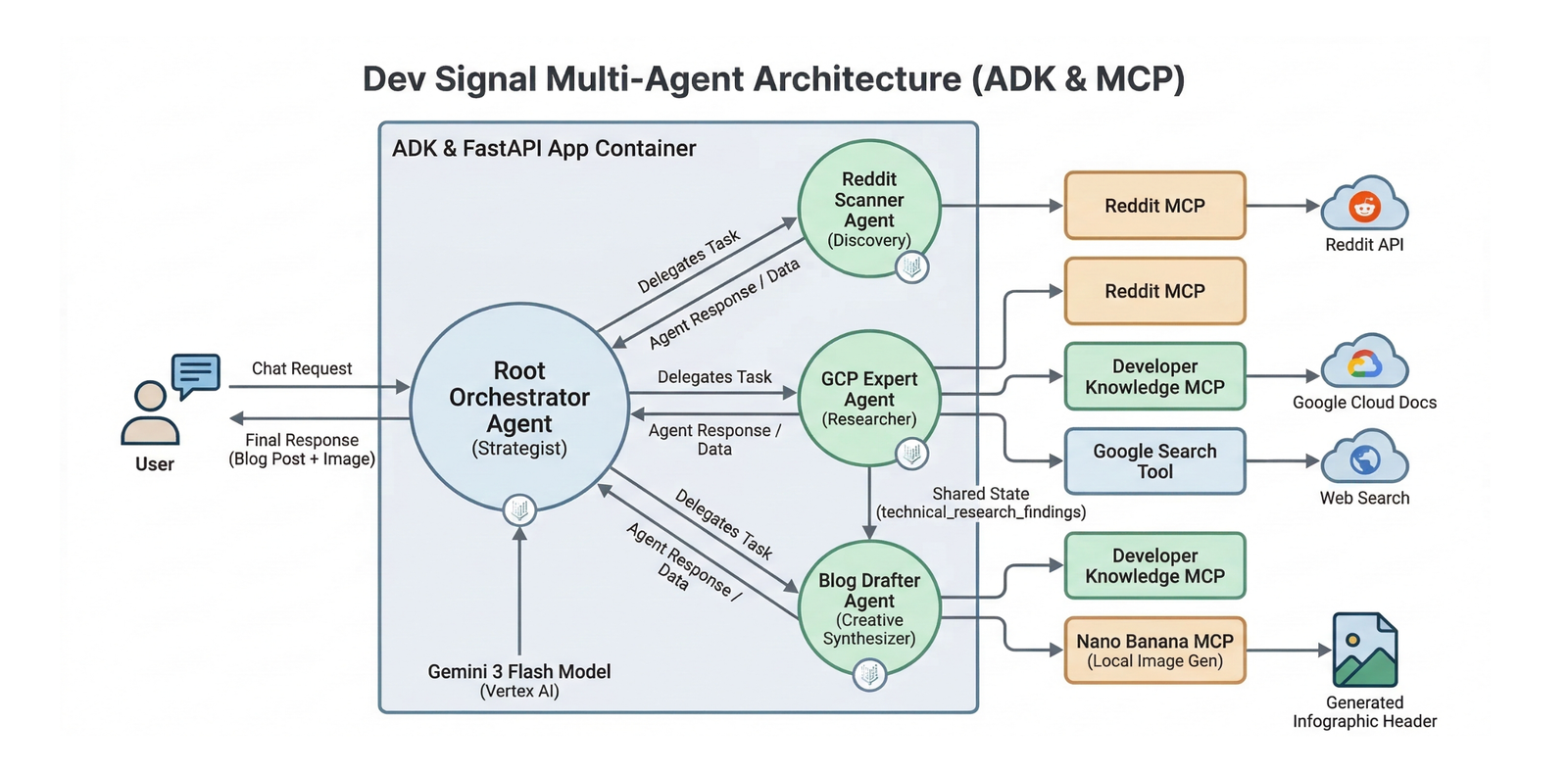
In support of our mission to accelerate the developer journey on Google Cloud, we built Dev Signal: a multi-agent system designed to transform raw community signals into reliable technical guidance by automating the path from discovery to expert creation.
In part 1 and part 2 of this series, we established the essential groundwork by standardizing the core capabilities through the Model Context Protocol (MCP) and constructing a multi-agent architecture integrated with the Vertex AI memory bank to provide long-term intelligence and persistence. Now, we’ll explore how to test your multi-agent system locally!
If you’d like to dive straight into the code and explore it at your own pace, you can clone the repository here.
Testing the agent Locally
Before transitioning your agentic system to Google Cloud Run, it is essential to ensure that its specialized components work seamlessly together on your workstation. This testing phase allows you to validate trend discovery, technical grounding, and creative drafting within a local feedback loop, saving time and resources during the development process.
In this section, you will configure your local secrets, implement environment-aware utilities, and use a dedicated test runner to verify that Dev Signal can correctly retrieve user preferences from the Vertex AI memory bank on the cloud. This local verification ensures that your agent’s “brain” and “hands” are properly synchronized before moving to deployment.
Environment Setup
Create a .env file in your project root. These variables are used for local development and will be replaced by Terraform/Secret Manager in production.
Paste this code in dev-signal/.env and update with your own details.
Note: GOOGLE_CLOUD_LOCATION is set as global because that is where Gemini-3-flash-preview is supported. We will use GOOGLE_CLOUD_LOCATION for the model location.